💼 Case Studies
Examples of my experience as a Design Leader
- Org Growth and Scaling
- eCommerce Strategy & Design
- Player-coach
- Leading AI Adoption
- Leveraging Discovery to Delivery
- Strategic Visioning
- Cross-functional Influence
- Modeling Craft and Acumen
- Service & Systems Design
- Contact Center research
- Research practice from scratch
- Strategic Partnership
- Design System leadership
🛠️ Projects & Products
Projects and Products I've led
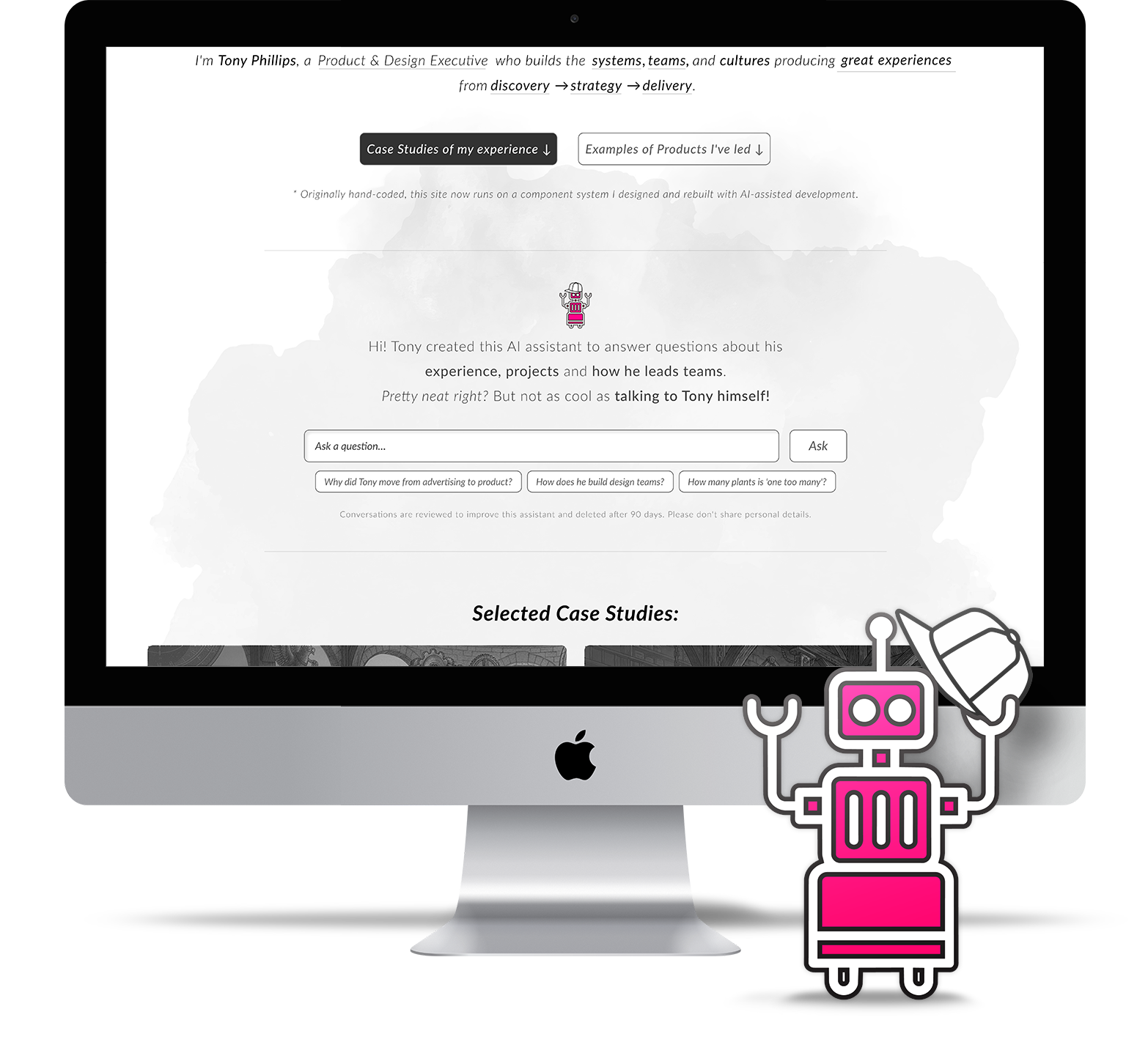
Playground /
TonyBot
Designing an AI that speaks for me
Recently, I took my hand-coded site and transformed it into a componentized, adaptable platform and even threw in a conversational experience as a fun experiment to build and shape called TonyBot.
🧩 React System
coded and mirrored in Figma
🤖 50+
stories intentionally crafted from my experience
✅ 360+
checks: automated screenshot comparisons on every release
👇 Skip the preamble and jump straight to the case study:
-
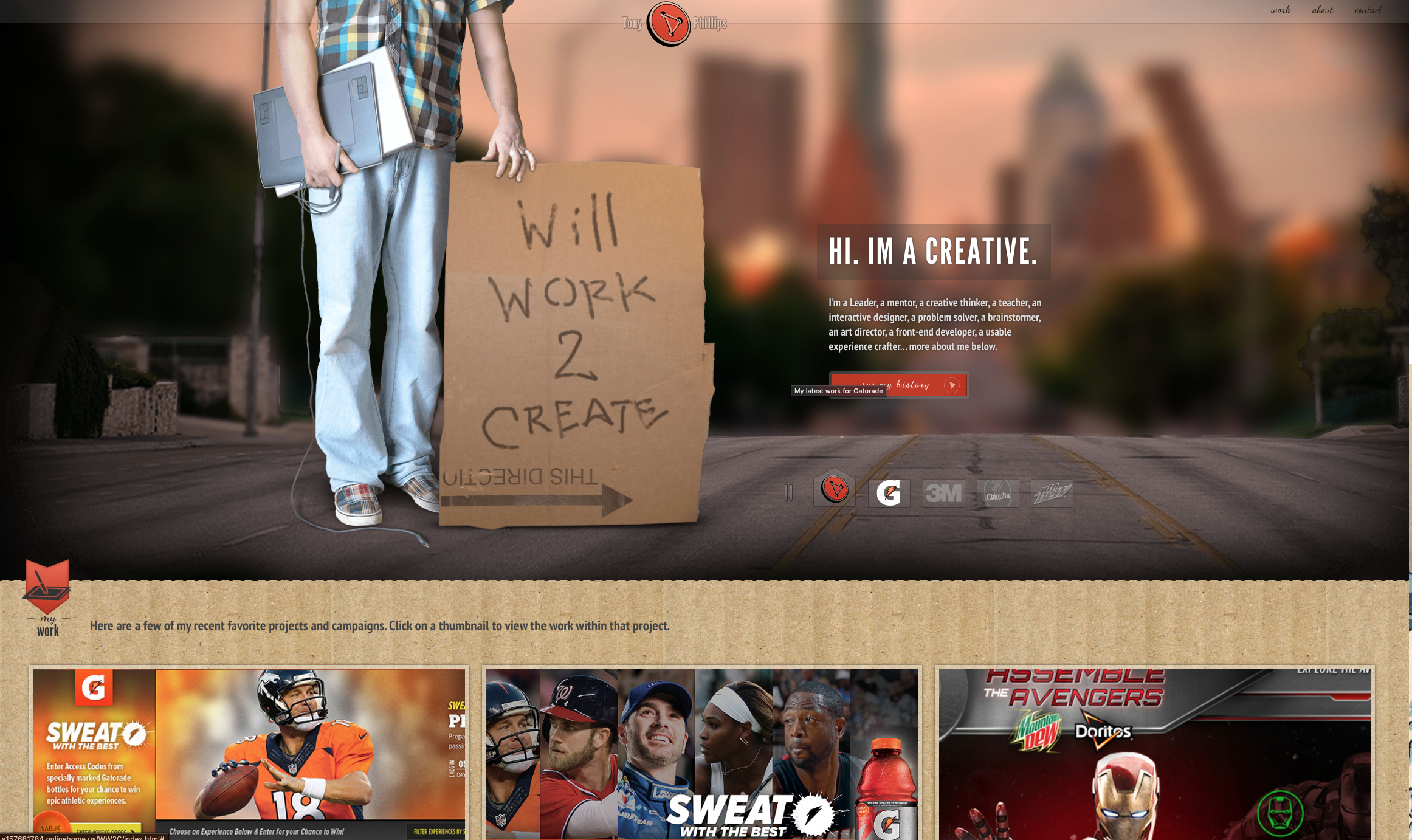
An older advertising focused version of my portfolio site
For decades now I have evolved and redesigned my portfolio site over and over again, building it by hand, learning, coding, and relearning HTML, CSS and JavaScript. I’ve always loved interactive design, so I taught myself front end development so I could tinker and build web experiences for clients and work.
-
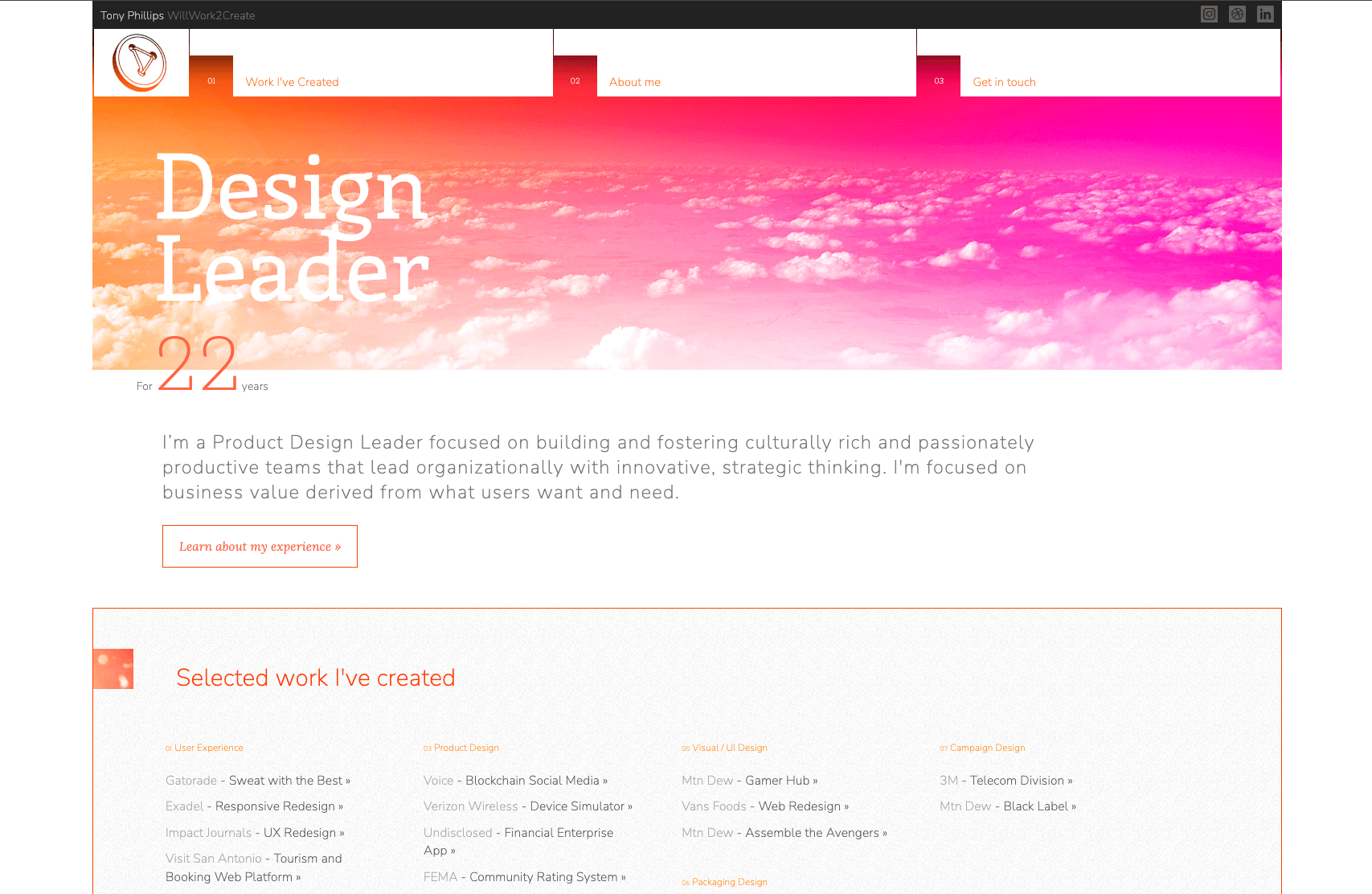
The most recent version of my portfolio site before this current iteration
Over the years as I focused more on design and UX, updating, redesigning and rebuilding my portfolio site became a regular opportunity to stay current and relevant in Front End. In fact, I designed and built my current site almost entirely in the browser.
More recently, I decided I wanted to take my site to a level I hadn't personally coded to before - an adaptable, componentized platform that I could easily build and tailor experiences and case studies. In the fall of 2026 I set out to modernize it with three goals: migrate it to a component system without losing its look, make sure it’s mirrored in a Figma design system, and add something new and fun to build, an AI assistant that answers recruiters’ and hiring managers’ questions about my career.

💼 Case:
Of course I’m not the first person or even designer to introduce a conversational experience on their site - but after shaping an entire Conversational Design practice at Ozmo and leading the effort behind Ozmo’s first shipped AI capability, I wanted to have a little fun building something that could work in an interesting way with my current job search.
Nor am I the first person to build or rebuild a site with Claude Code. I’ve been a daily Claude user for a while now and I still get excited about how fast you can translate an idea into something that works and functions.
⚠️ The problem:
Years of hand-coding had left my existing site’s styles layered and hard to change safely. Design and code had no shared system, so every update meant making the same decision twice. A static portfolio also asks a lot of a busy recruiter: the answer to their specific question is usually in there somewhere, but they have to dig for it.
An AI assistant could solve that last problem, but it creates a bigger one. An AI speaking for me in public is a trust problem. One invented metric or overstated claim costs more credibility than the assistant could ever earn back. This is where years of judgment matter: setting the foundational behaviors and governance that keep it accurate and consistent.
-
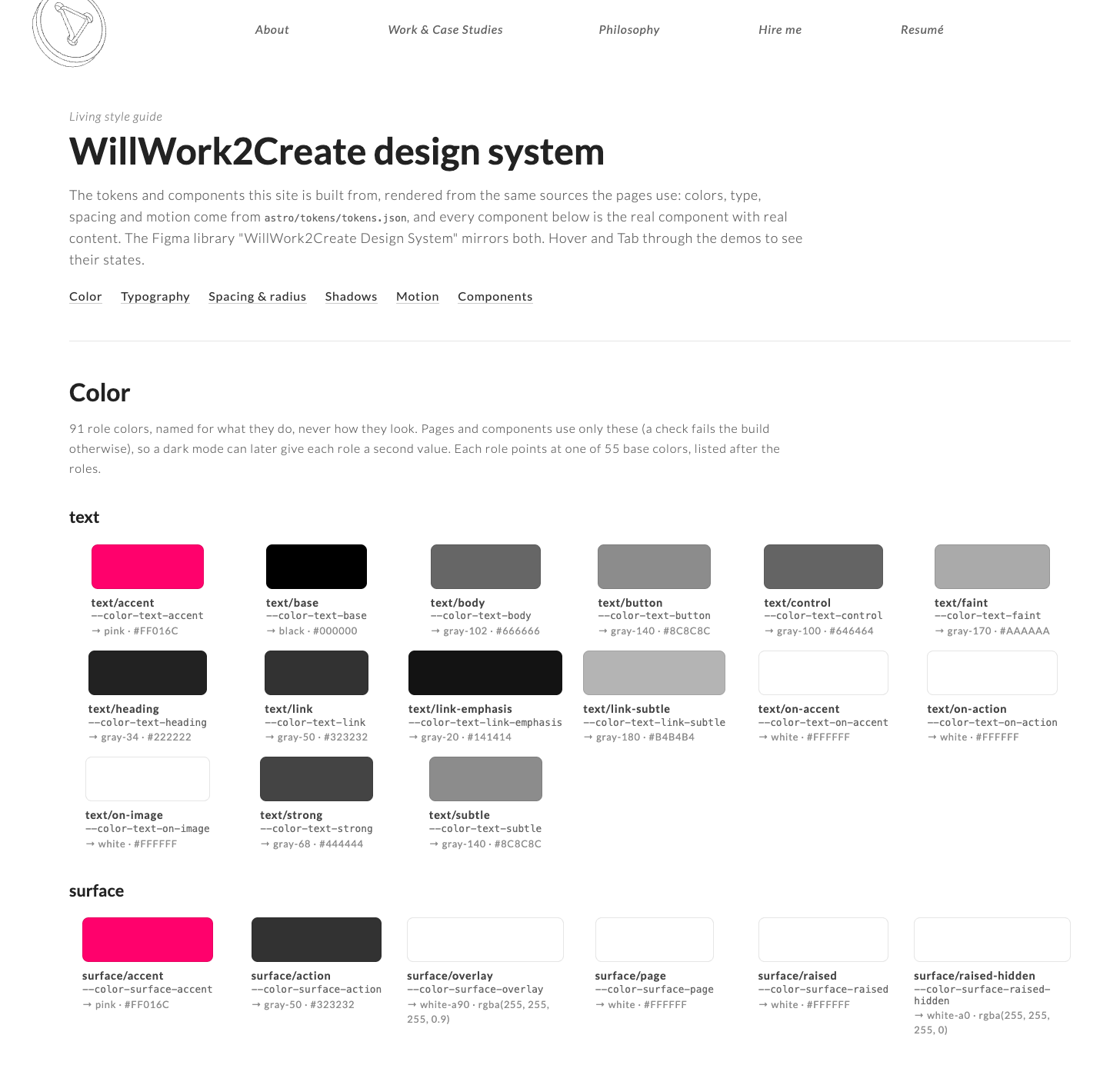
A view of the resulting living Design System and component documentation
🛠️ Process:
Protect the look first
Before changing anything structural, I set up automated screenshot comparisons across every page at three screen sizes, plus checks for motion, keyboard use, layout shift and pages without JavaScript. Every change had to prove it didn’t break the experience before it could ship.
A system in code
The site moved to a component system built with Astro and React, keeping every public page at its existing URL. Colors, type, spacing and motion became design tokens in one source file, with colors named by role so a future dark mode is a matter of swapping values. Releases now flow from GitHub to a preview site first, and nothing goes live until I publish it. Before, I was literally dragging HTML files into a server folder in Filezilla.
The same system in Figma
I built a Figma library that mirrors the coded tokens, type styles and components, so design and code speak the same language.
Designing TonyBot
I made a few foundational decisions early:
It speaks about me in the third person, and it says up front that it’s an AI.
It only knows what I’ve approved. Its knowledge is a set of 50+ short stories drawn from my career narrative. I reviewed and approved every one, and anything private, like job-search strategy, stays out entirely.
It runs lean. Claude Haiku with prompt caching on Cloudflare Workers brings the cost to a fraction of a cent per answer.
Conversations are logged - so I can study what interested parties are inquiring about and adjust towards any gaps.
Spending caps switch the chat to a resting message before costs can run away.
Guardrails as design
I treated the assistant’s rules as part of the experience, and tested them with real questions. I wove in some specific guardrails like the following:
Don’t mix context from different projects of mine. I want to stay transparent about my experience and accomplishments.
On the note of accomplishments, don’t over claim or blur the lines of my role or contributions.
Strategies for how it can zoom out around skills and tools. When asked about a tool I haven’t used, it doesn’t claim I’ve used it, but shares similar tools that I do use regularly.
Finally clear hand-offs around topics like salary and availability, ensuring it declines attempts to override its instructions.
Reviewing the AI’s work was a lot like reviewing a team’s work. Several catches came from close reading, such as a draft that implied a cause-and-effect link my experience doesn’t support, and a concept that read as shipped, when it was really an exploration I use to show my process. Each one became a permanent rule and an automated test, including one that fails if the assistant ever mentions its own behind-the-scenes setup to a visitor.
Privacy by default
Conversations are preserved, but safely - with no IP addresses, contact details scrubbed automatically, and deletion after 90 days. A line under the input says so plainly.
The interaction
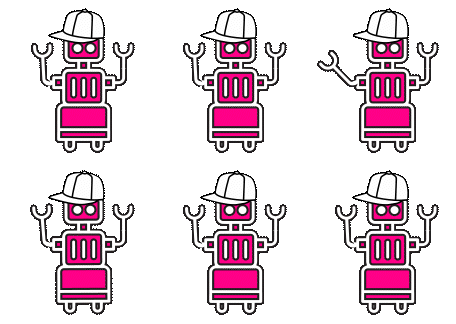
I call it TonyBot!
TonyBot wears a hat - just like I typically do as well. We’re almost like twins. I’ve always felt like a person who wears many hats. I love context switching between designing, researching, managing a team, leading a discovery, etc. I even helped TonyBot out with some quick animation in After Effects - he waves!
Again, my ultimate goal with this was building something fun, a conversational experience focused on my background. And with a componentized, adaptable site architecture, I can move it around easily and actively shape it. And while it needs to be accurate about my background, there’s also my tone and some playfulness to it.
-
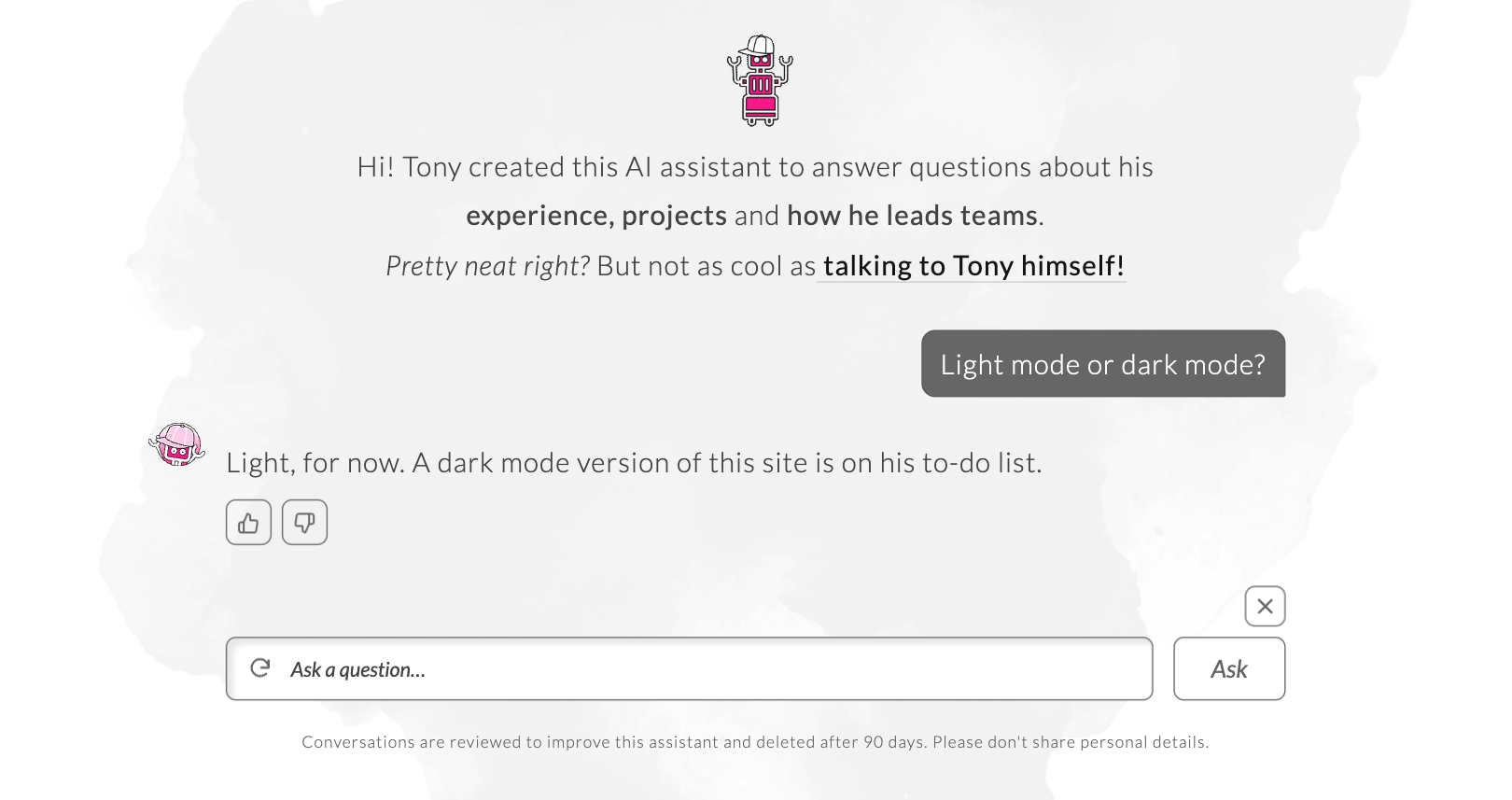
Some lighter toned questions and responses about me
I injected some fun questions and responses that reveal a bit about me - you can ask it about my dog Wilson for example. More importantly, I’ve shaped it to adapt to who it’s talking to. After its first answer, it asks who you are, whether a hiring manager, a designer or a recruiter, and adjusts its answers from there.
-
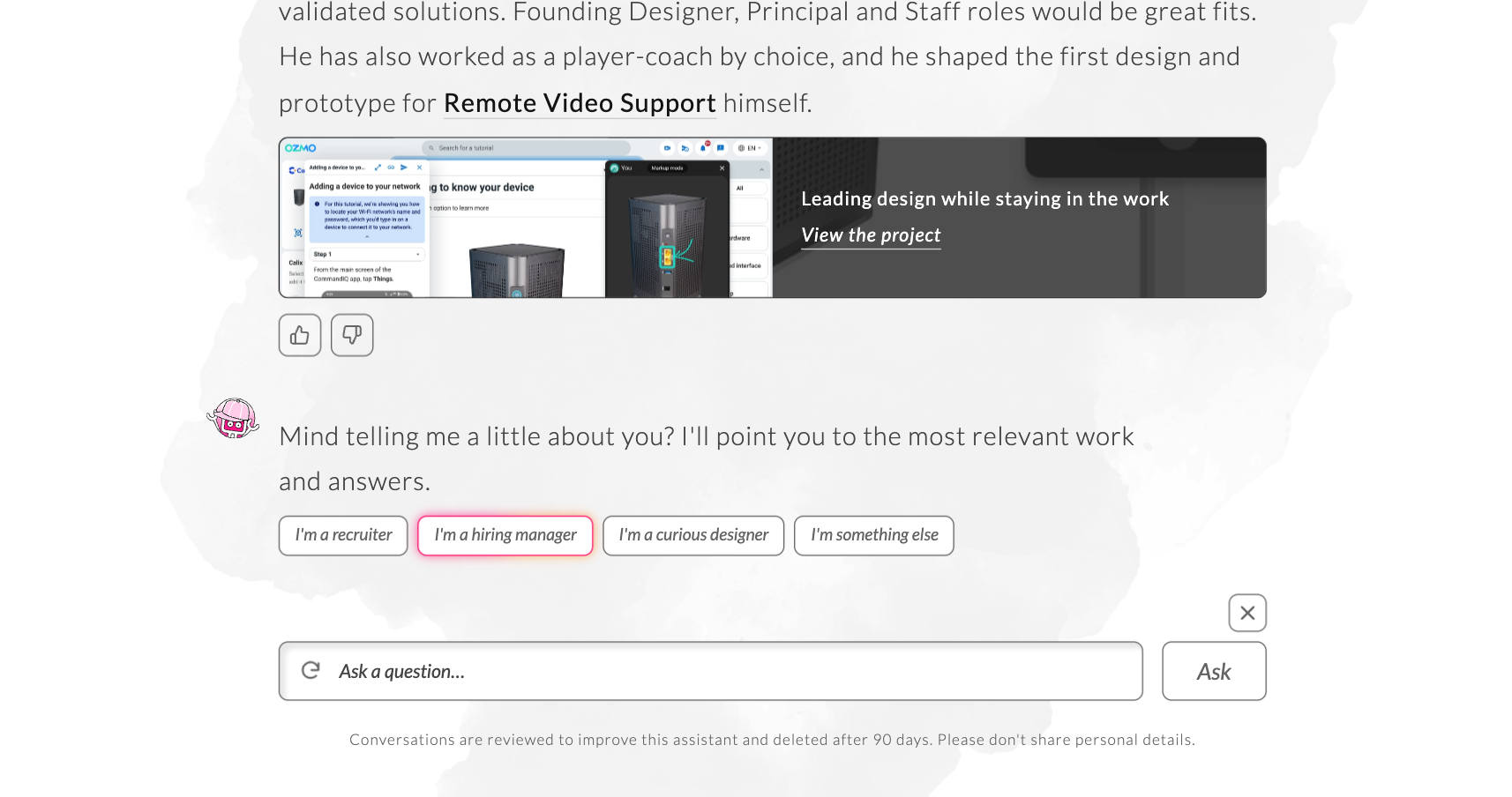
After one response, TonyBot will check and see who you are
I also appreciate a conversational experience that can leverage more than just text responses. TonyBot will show you a video or graphic inline or point to the right resource on my site depending on each conversation.
-
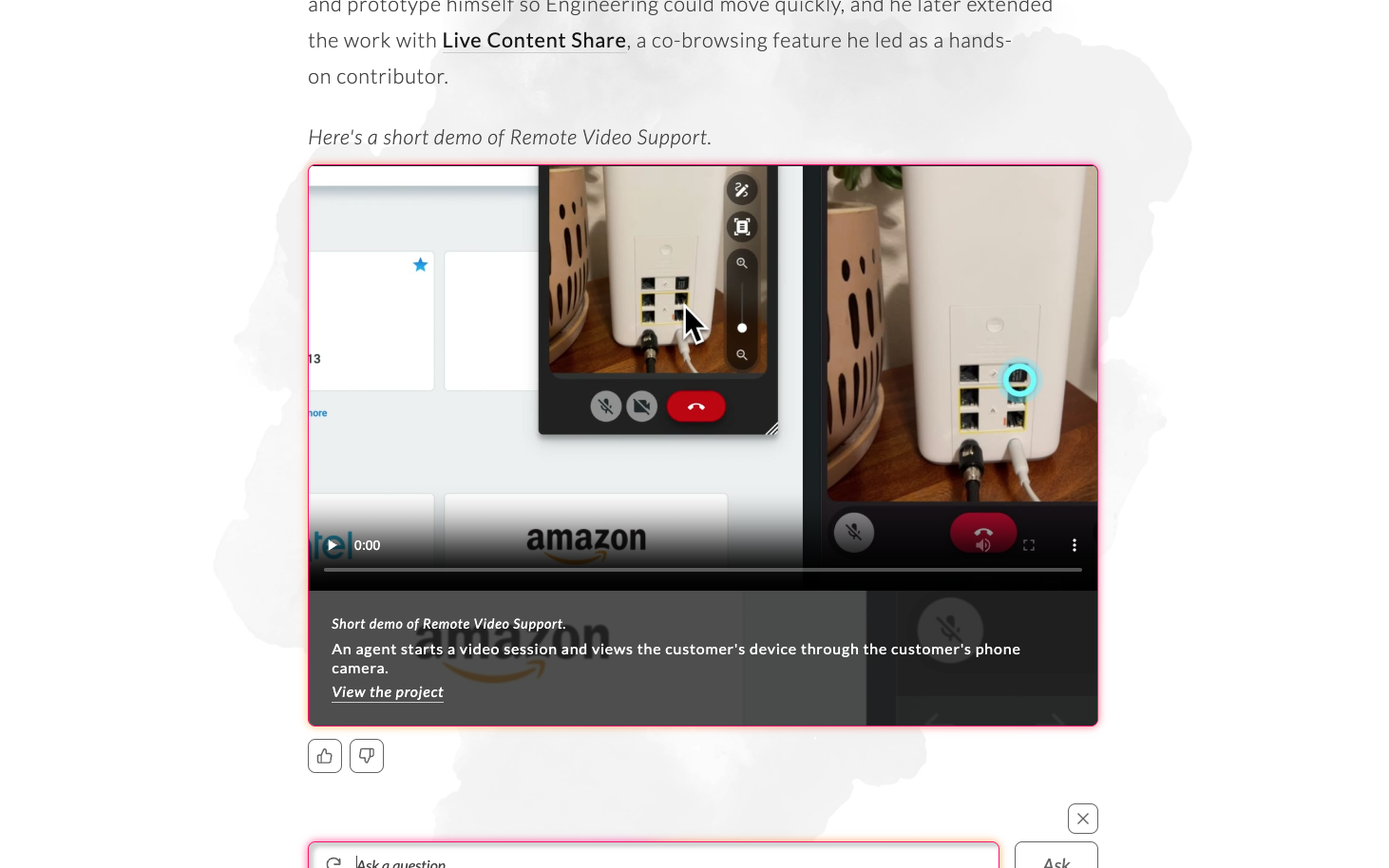
A multi-modal experience can help pull visual elements and artifacts from across my site right into the conversation
✅ Results:
I now have an adaptable, componentized portfolio platform that has a conversational experience available for where and when I want to augment my content and experience stories. With a dialed in AI-enabled Design System I can easily build new experiences in minutes within my site using AI technology or I can jump into either code or Figma files for fine tuning.
-
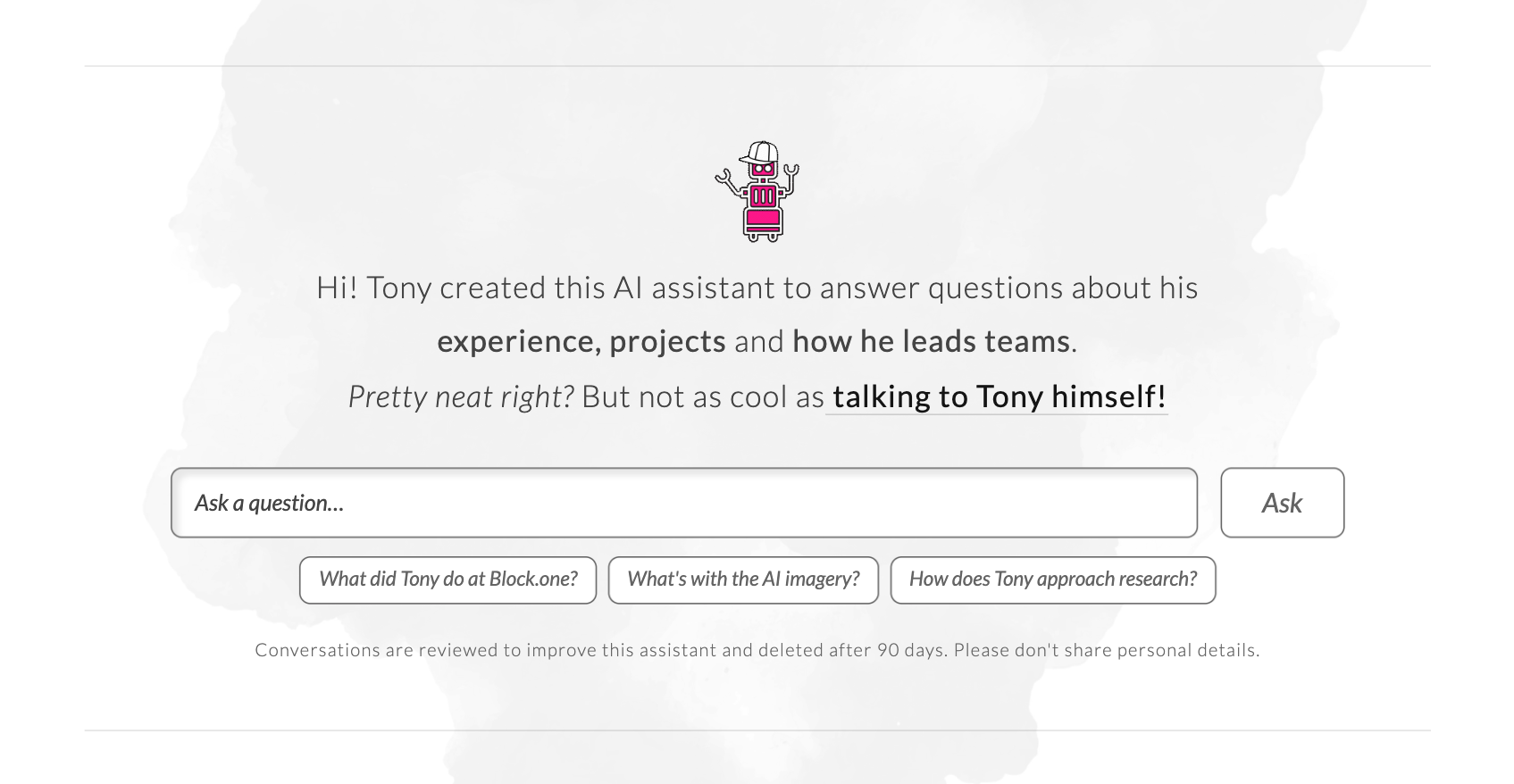
The chat experience now positioned on my landing page
Every release now passes 360+ automated screenshot comparisons, the chat adds no layout shift when pages load, and text contrast holds at 5.13:1 or better. Answers average about a tenth of a cent each.
The bigger result is a working model for leading AI the way I lead a team: set clear standards, review the output closely, turn every catch into a lasting rule, and own the quality of what ships.
Try TonyBot out:

Hi! Tony created this AI assistant to answer questions about his experience, projects and how he leads teams.
Pretty neat right? But not as cool as talking to Tony himself!
Conversations are reviewed to improve this assistant and deleted after 90 days. Please don't share personal details.
Related Case Studies & Articles
My ExperienceLeading teams
AI Adoption
with Psychological Safety
My ExperienceOrchestrating modern
Design Systems
across Governance & Collaboration
ArticleAI Convo-Design
Convo Flow
Conversational Design and effective communication.

